

Latest Version
Claudio Guirunas
Security
Mac
Free
1300196608
Report a Problem
More About Passwords Copy to Paste
The Struggle of Modern Password Management
Imagine you are about to complete an important financial transaction or log into your workstation, only to realize you have forgotten the complex string of characters protecting your account. In a world where we manage dozens of digital profiles daily, the temptation to reuse simple passwords is high, yet doing so compromises our digital safety. The Passwords Copy to Paste offline manager offers a streamlined, highly secure solution to this everyday friction by keeping your credentials accessible without exposing them to the cloud.
What is Passwords Copy to Paste?
Developed by Claudio Guirunas, Passwords Copy to Paste offline manager is a dedicated utility for macOS designed for users who demand absolute privacy. Categorized under digital security, this app operates under a strict offline-only philosophy. It does not connect to the internet, make external API calls, or require you to set up an online account. Your sensitive data remains entirely on your local machine, protected by your system's native biometric authentication like Touch ID.
Key Features of this Offline Password Manager
- True Offline Architecture: The app operates entirely disconnected from the web, eliminating risks associated with database leaks and server-side hacks.
- Biometric Security: Access your entire vault instantly using your Mac's built-in fingerprint or facial recognition—no master password required.
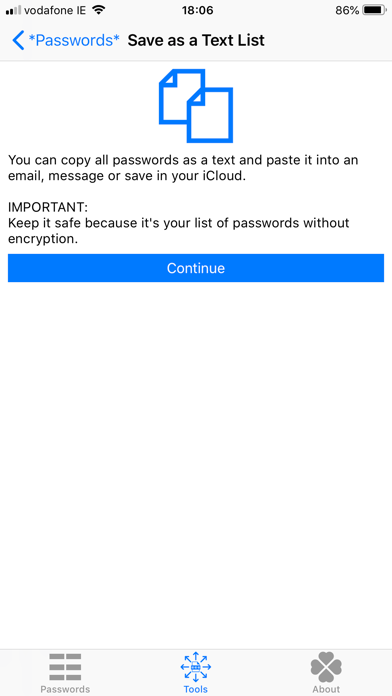
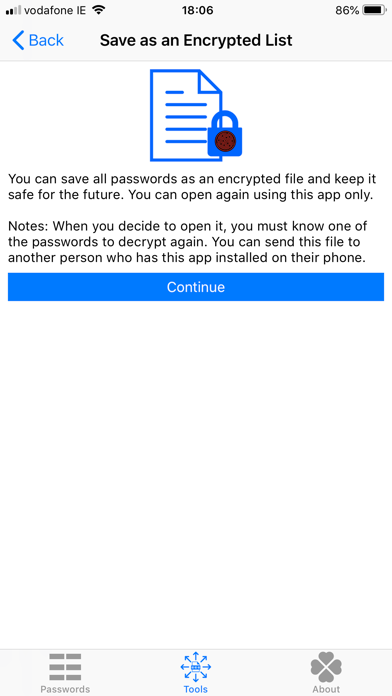
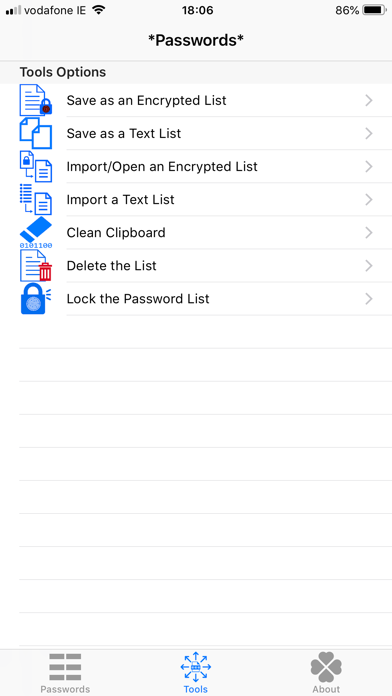
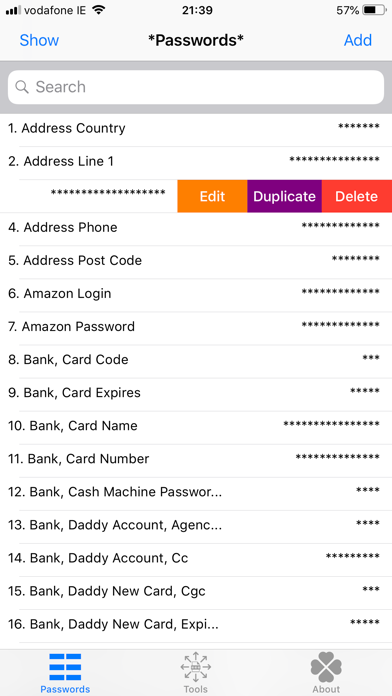
- Flexible Import and Export: Easily backup your credentials by exporting them as an encrypted list (.plist) or plain text (.txt), and import them back whenever needed.
- Strong Password Generator: Create highly complex, secure passwords using robust UTF-8 characters directly within the utility.
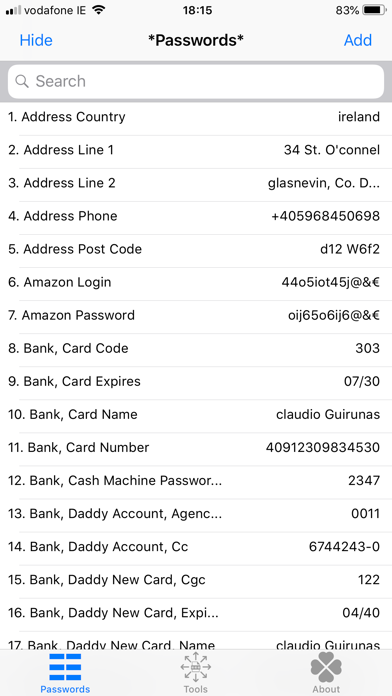
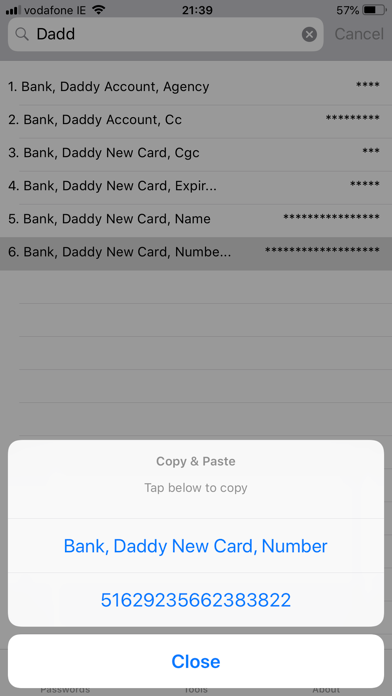
- Streamlined Workflow: Quickly search your database, duplicate existing entries for fast editing, and copy credentials with a single tap to paste them anywhere.
Who is This Security App For?
This utility is ideal for privacy-conscious professionals, cryptocurrency holders, and everyday users who distrust cloud-based password managers. If you want a straightforward tool that eliminates the clutter of subscription walls, unnecessary features, and trackers, this application delivers a pure, localized utility experience.
Our Editorial Verdict
The Passwords Copy to Paste offline manager stands out by doing exactly what it promises without any unnecessary overhead. By keeping data local and leveraging native hardware security, it provides peace of mind that cloud services simply cannot match. If you are looking to simplify your daily login routine on macOS, we highly recommend exploring this tool. To learn more or to try it yourself, visit the official Mac App Store today.
Rate the App
User Reviews
Other Apps in This Category


Popular Apps










Editor's Choice